Private by default
Audio stays on your device. Download models once, then work offline.
Download the desktop app, sign in inside Next Line, and sync your calendar. Live transcript and live summary run on your computer — optional sync after.
Sign in happens inside the desktop app after install — no account needed to download.
Audio stays on your device. Download models once, then work offline.
Key points and action items update while the conversation is happening.
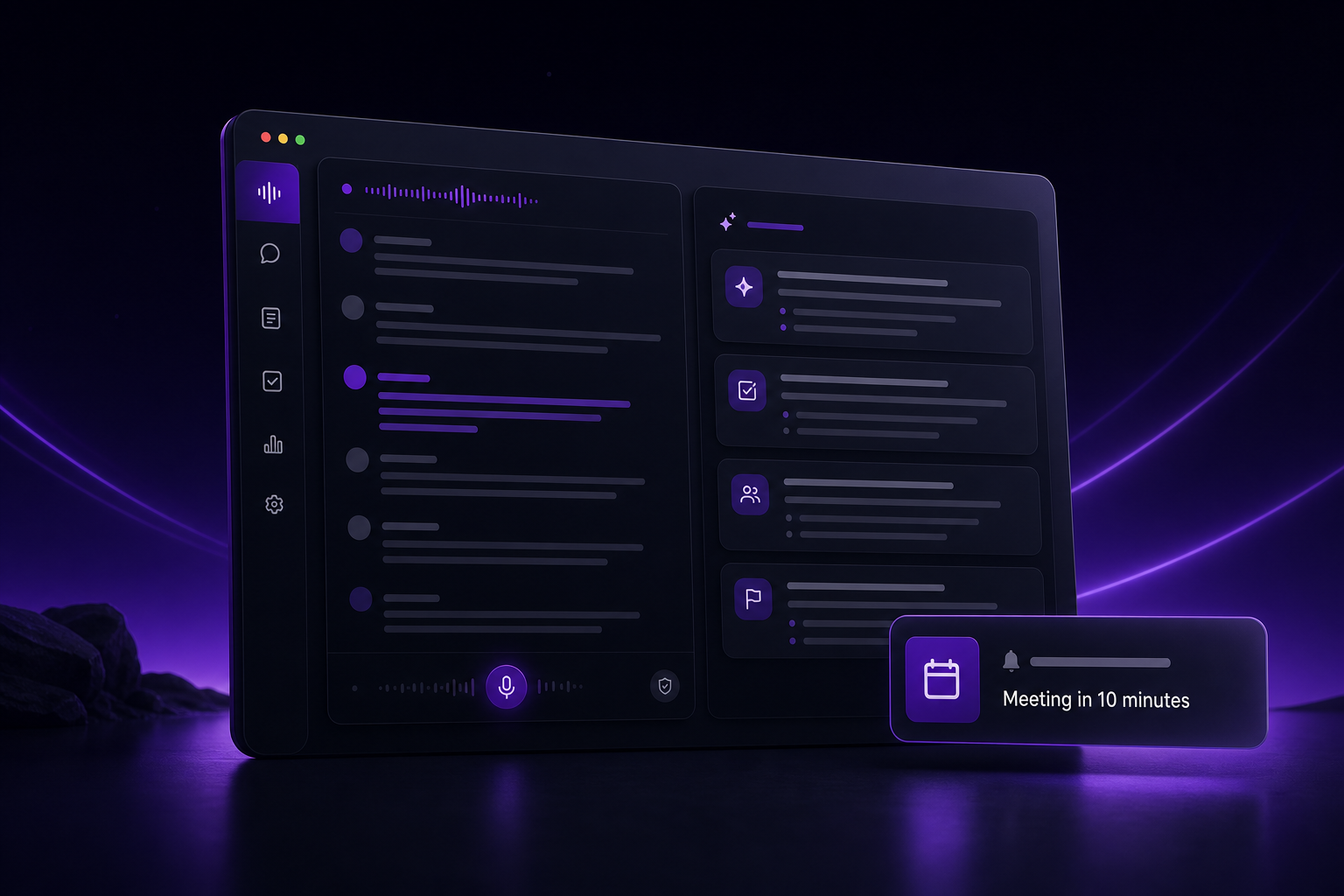
See upcoming meetings and get reminded to open NextLine before you start.
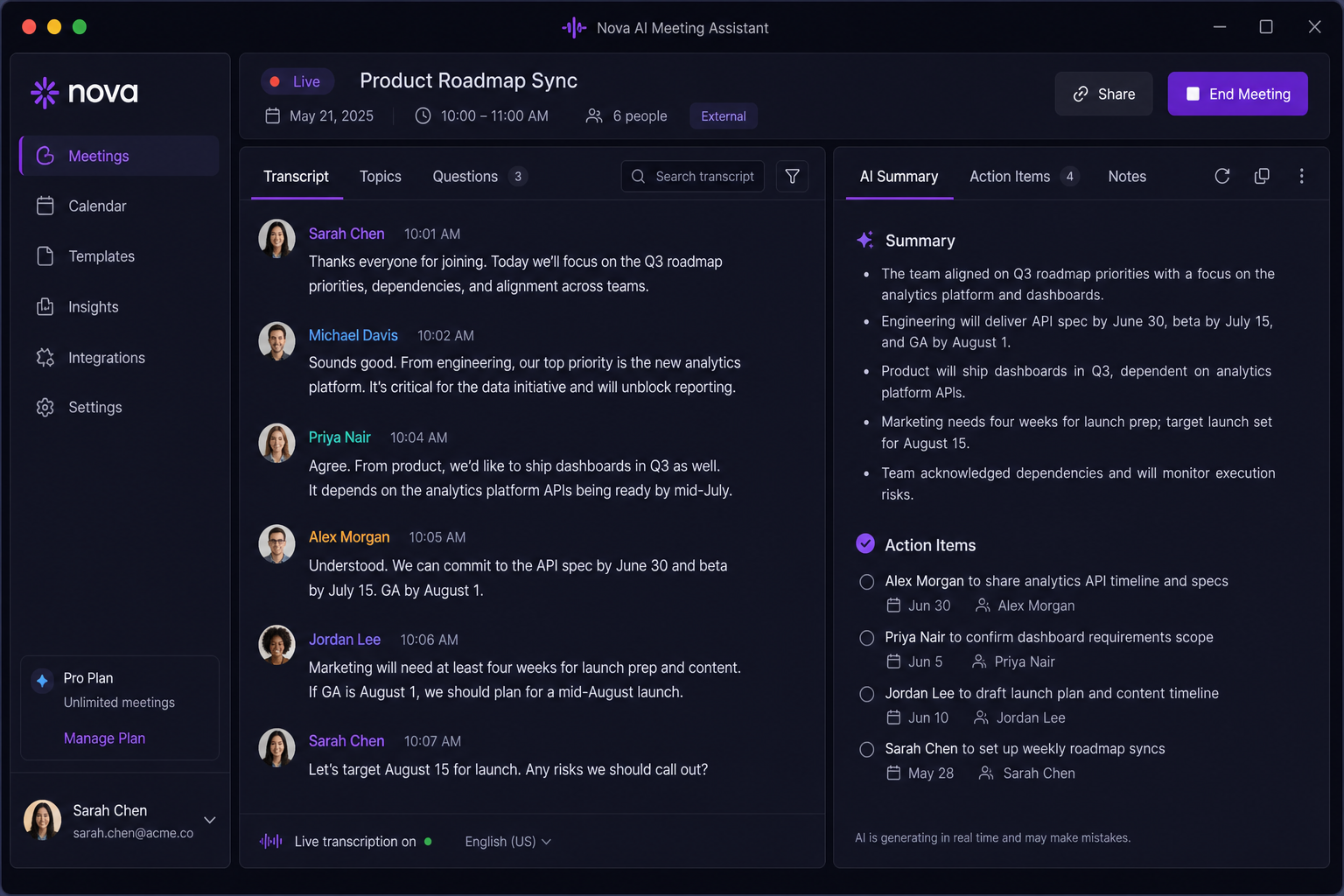
Live transcript on the left. Meeting assistant with summary and suggestions on the right.
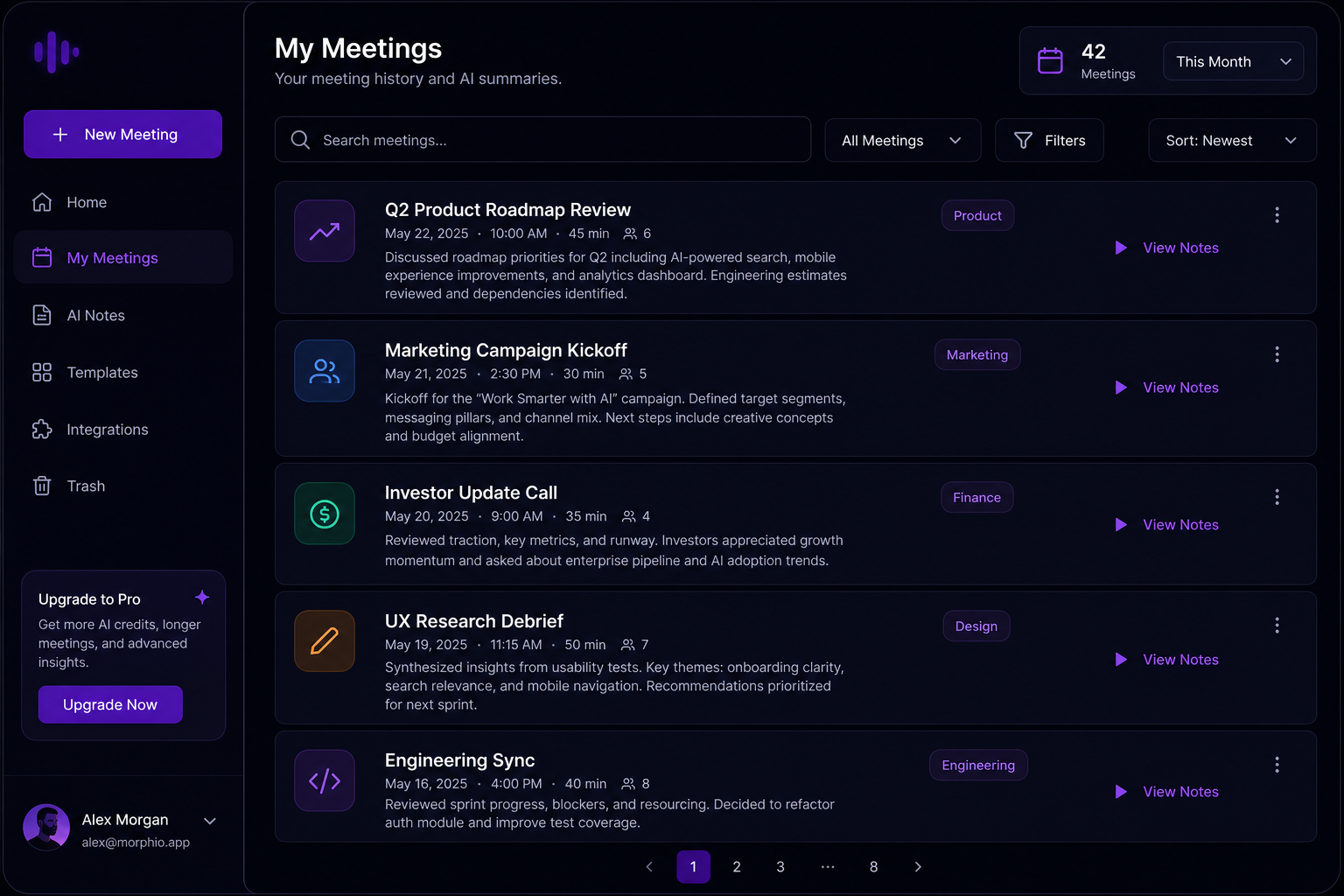
Search past calls, filter by date, and open the final summary with decisions and action items.
Install Next Line for Windows today. macOS and Linux are coming soon.
Connect Google or email — your browser opens briefly to approve this device.
Stop recording and open the final summary with key points and next steps.
Audio stays on your computer. NextLine transcribes and summarizes locally after a one-time model download.
You get a live transcript and a live summary while recording. After you stop, you land on the final summary.
No. NextLine works alone. Connect FairValuation only if you want meeting notes in that workflow.
No. Sync is optional and covers transcript text and summaries only—not recordings.
Yes. When you sign in with Google and grant calendar access, NextLine can remind you before upcoming meetings so you can start recording and live summarization.
Install the desktop app and start with on-device notes plus calendar reminders. Sign in happens inside Next Line.